


Caviat: This is actually yesterday’s page. I’m a day behind on sending out these emails.
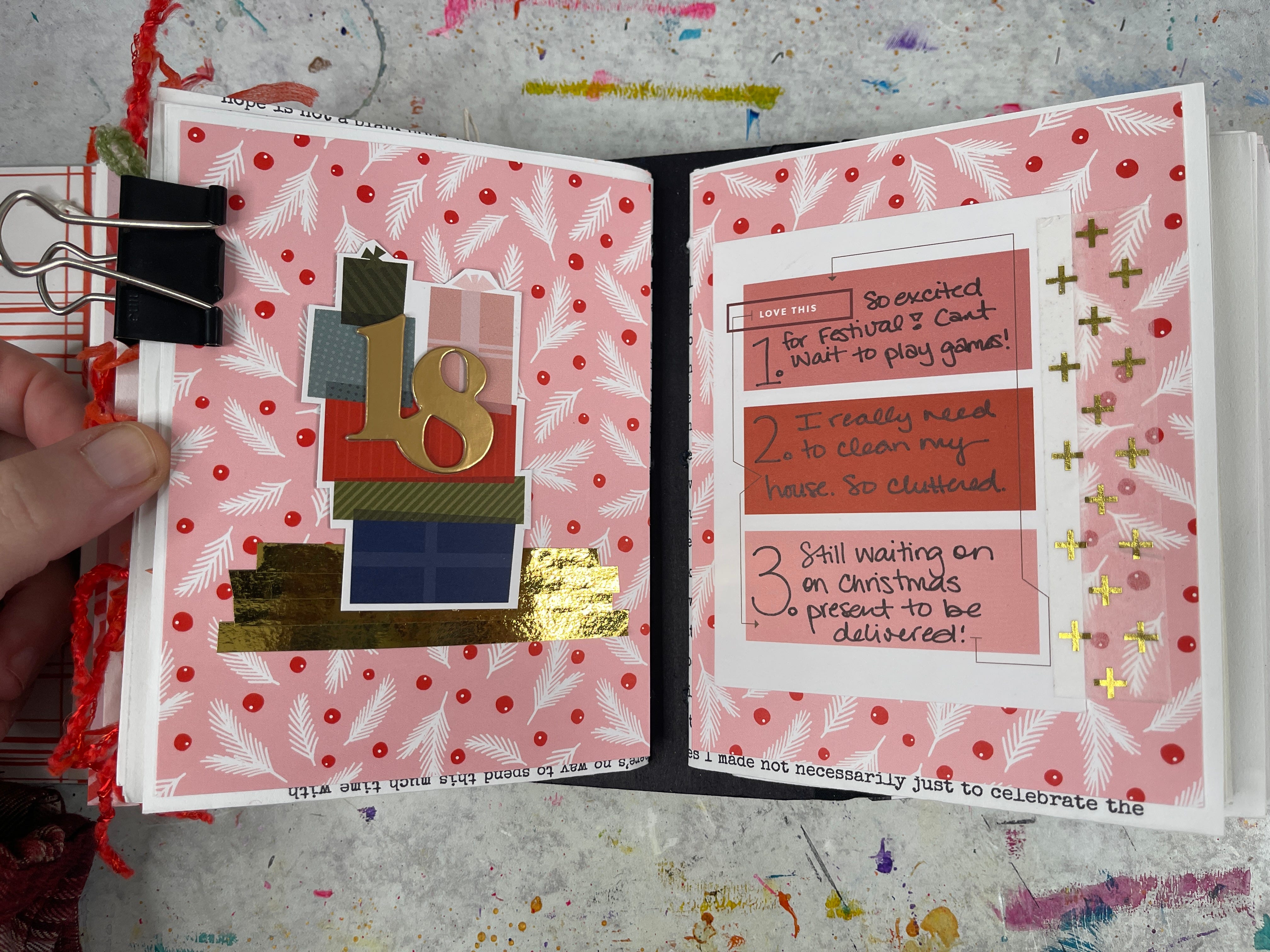
I had no idea what I wanted to do this afternoon when I got to my desk. Then someone reminded me that it was Thursday3 and I could just do a Thursday3 page! What a simple idea, that I completely forgot about.
Originally I was going to put this page on one of the blank pages a little further back in the book—I’ve still got Days 8, 12, 13, 15, and 16 to create. But then I decided that it would just work out perfectly if I put it on today’s page.
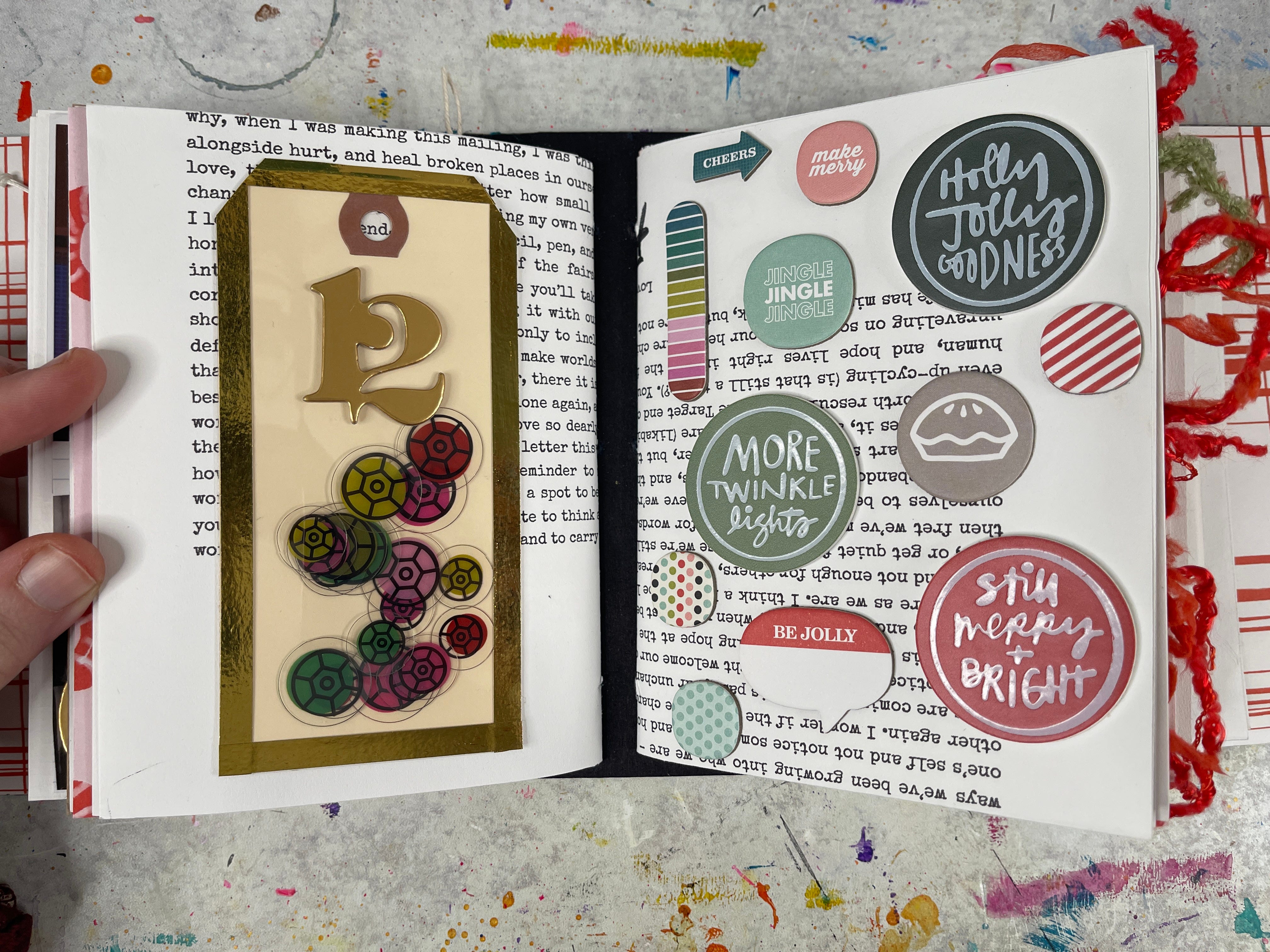
Then I had a bit of extra time, and decided to go over to page 12 (a day I don’t really have a story for) and add in some fun holiday embellishments.
Technique of the Day
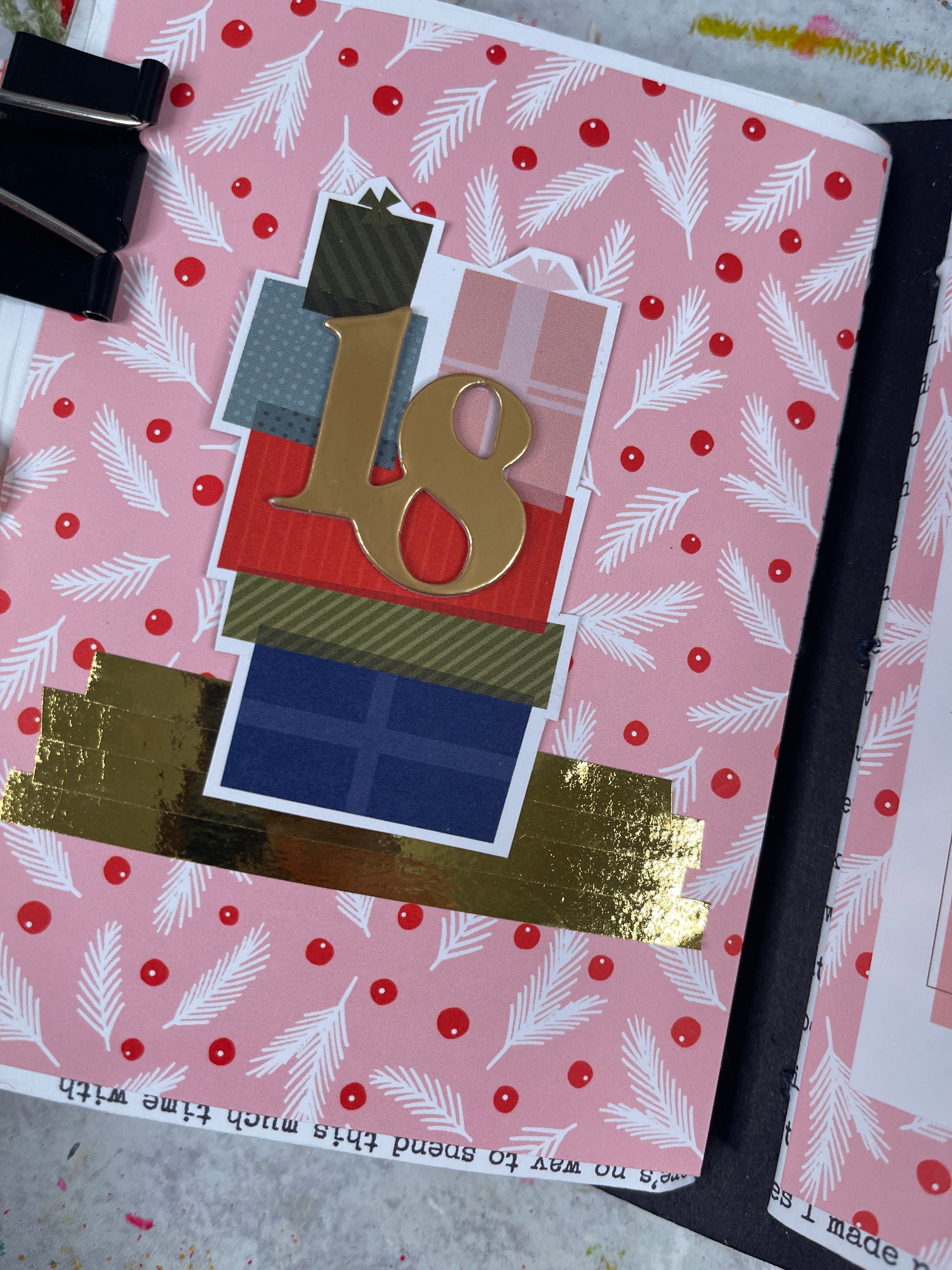
I wanted to make today’s page easier on myself—so I flipped through my journaling cards and found one that would work for Thursday3. Then I flipped through the rest of my holiday papers and found a background that coordinated with the journaling card. For the opposite page, I cut out some presents from a totally different journaling card, added some shiny gold washi tape as a base and made that page just a cute little holiday visual. Perfect to go with the journaling.
For my Day 12 page, I grabbed a tag that I had mostly created last weekend when I was playing around on the couch. It was a cute little sequined shaker pocket. I added the day’s number on the front and matched up the right side of the page with some great little holiday embellishments.
Supply List
This post may have affiliate links.
Tips & Creative Wisdom
Built-In Prompts Save the Day
Having a go-to page format like Thursday3 means you never have to start from scratch—even when your brain is done for the day.
Pro Tip: Keep 1–2 “default pages” you can fall back on when you don’t know what to make. They’re creative safety nets.
**If you’d like to unsubscribe from these Daily Pages emails, but continue to get other emails, click here and learn how to update your settings to best suit your needs.


